Workflow Automation—React Flow
AI-Powered Workflows for Your Store
Automate operations, customer flows, and repetitive tasks with smart, flexible logic.
Merchants in USA 
local growth
3146 merchants in USA use React Flow❤️. Trusted by local store owners.
Built-In AI to Streamline Your Workflow
AI-Powered Text Generation for Any Field
Instantly generate high-quality text for any input field in your workflow. Save time on writing and focus on what really matters.
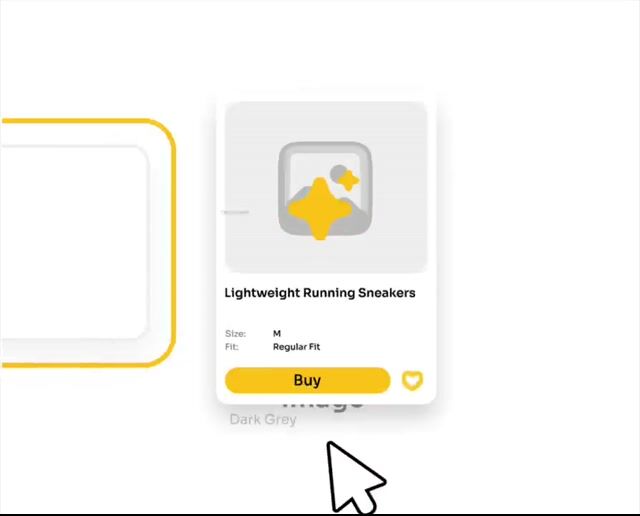
Generate Images in Seconds with AI
Create visuals on the fly without leaving your workflow. Perfect for products, emails, and marketing content.

Personalized Emails Generated Automatically
Send tailored emails to every user with AI. Boost engagement without spending hours on manual writing.
Setup Checkout With Shopify Functions
Customize how your Shopify store behaves in real time. Control pricing, shipping, and checkout logic dynamically
Top Templates Used by Merchants
Based on 11,771 Shopify stores using React Flow
Automatically add notes to orders based on tags. Keep your workflow organized and consistent.
Automatically follow up on abandoned checkouts. Recover lost sales and boost conversions.
Auto-tag new products as they are created. Keep your catalog clean and structured.
Send a discount after the first purchase. Encourage repeat orders and loyalty.
Send a thank you message after each purchase. Improve customer experience effortlessly.
Run custom code within your workflow. Handle advanced logic with full flexibility.
Send HTTP requests to external APIs. Connect and extend your workflows easily.
Automatically add notes to orders based on tags. Keep your workflow organized and consistent.
Subscription Plans
I have around
total runs per month.
Save $-10.00 with Standard
Use this slider to estimate your price based on orders volume and get plan recommendation
Trusted by 1,000+
high-volume merchants
Enterprise plan for large-scale stores
Custom pricing, dedicated infrastructure, and a support model tailored to your operations
Ready to start? Try React Flow free for 30 days
Let’s make a deal
with a bundle products
Optimize your app stack to earn more from every app. Get more. Pay less.
Trusted. Proven. Rated 5.0
Total Reviews 178
Mild Addictions
Yogo
Signature Locker
Green Land Food Wholesale
MyCybermarkets.com
SNOOZ
NFD
The Everset
Sage & Sill
ShoeNami
Chive US Wholesale
Kenetrek Boots
Time Clocks For Quickbooks
Bellini's Skin and Parfumerie
The Bar
Everest Ranch
Outdoor Rooms by Design
Huckle Bee Farms LLC
Gold Cosmetics & Skin Care
Zippy Balisong LLC
Denver International Airport Employee Store
We Heart Nutrition®
Tyco Tech 3D Printing
UNFAZED TEAM
Help & FAQs
Quick answers to help you get started with our apps.
- Visit our for help, live chat, and guides.
Visit our Help Center for articles, tutorials, and FAQs.
To say briefly, workflow is the series of activities, that are necessary to complete the task. Workflow automation involves the use of tools that will allow you to perform tasks automatically. In the context of our application, we are talking about the following: Workflow is a chain of trigger, condition, and action that allows you to automate processes.
React Flow automates various workflows, optimizing repetitive tasks that merchants typically handle manually or delegate to employees. For example, you can automatically track the quantity of products in stock, add tags, send required notifications or emails to customers, etc. You need to spend time once setting up the workflow you are interested in and the application will perform them automatically
The app provides multiple triggers and actions, so you can automate many processes. For example, you can add marketing tags, send everyday reports with low-stock items, inform about high-risk orders, send a reminder about unfulfilled orders to the store owner, etc.
Yes, we have. We value your time, so we have created ready-made templates of the most popular flows. To launch a template you should go to the Templates section, select the appropriate template, and launch it.
By confirming the React Flow installation, you agree to grant our application access to certain functionality. For example, customer information, store owner data, order information, marketing information, etc. In this article, we describe why we request each scope.
Yes, sure. The app has an Activity page where you will see the results of each workflow. Namely, you will find info about executed and failed actions. This will help you to understand which workflow works better and which needs improvement.
This refers to the total count of times each individual workflow is executed. For example, if you want to assign a VIP tag to customers who purchase goods worth more than $1,000, the flow will execute each time a customer places an order to determine if the VIP tag should be added. Each execution counts as one run.
If you reach the limit, your workflow will continue working. However, each subsequent launch over the limit will cost an additional usage fee (according to your subscription plan). Note that usage fees will be charged even during the trial period.
Limits reset on the first day of each month, and new limits are applied simultaneously. This means you can start using the allocated limits from your subscription plan again at the beginning of each month.
Yes, sure. You can upgrade or downgrade your plan anytime. On the Plans page inside the app, you will find available plans. Select the plan that suits you best.
Support at every stage
From your first flow to advanced automations — find guides, examples, and answers whenever you need them.

Other Shopify Apps by DevIT
When out-of-the-box tools don’t fit, our apps on Shopify’s App Store
bridge the gap and boost performance.
5 apps
5.0 average rating